Network Printer Setup for Office — Complete Enterprise Guide
Setting up network printers in an office environment requires careful planning and configuration. This enterprise guide covers shared printer setup, print server configuration, IP addressing, and driver deployment for businesses of all sizes.
NexCircuit Technologies
Independent Online Printer Troubleshooting & Setup Assistance
Updated on 2025-03-25
Planning Your Office Printer Network
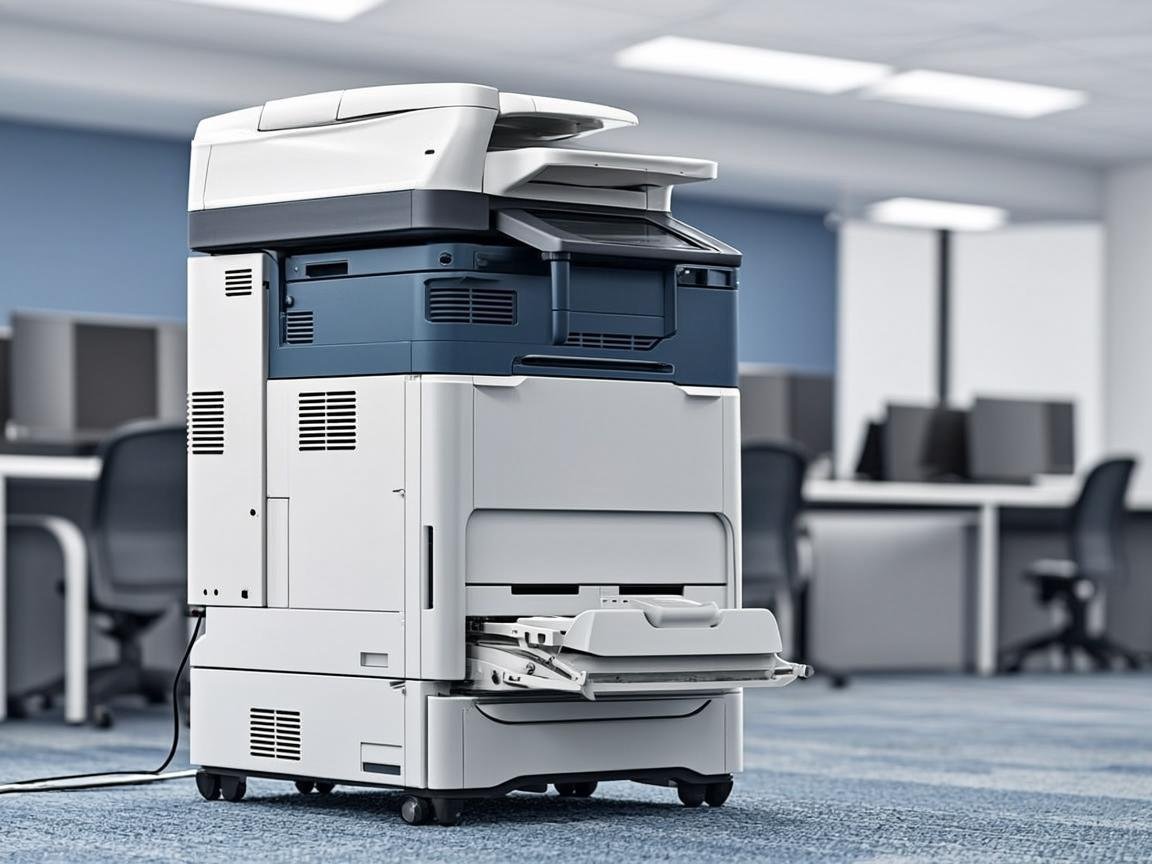
Before setting up network printers, plan your printing infrastructure. Consider the number of users, print volume, required features (color, duplex, scanning), and physical placement. Most offices need a combination of high-volume multifunction devices for departments and smaller printers for individual or small team use. Calculate the total cost of ownership including hardware, consumables, maintenance, and support.
Wired Network Setup
For the most reliable connection, connect office printers via Ethernet cable to your network switch. Assign a static IP address to each printer through its configuration panel or web interface. Document all printer IP addresses and locations. Static IP addresses prevent connection issues when the router restarts. Use a consistent IP range for printers (e.g., 192.168.1.200-250) to make management easier.
Shared Printer Configuration
On Windows Server, use Print Management to deploy shared printers across the network. Create printer groups based on department or floor, and use Group Policy to automatically install the correct printer drivers on user workstations. This eliminates the need for manual setup on each computer. Configure printer permissions to control who can print to each device.
Wireless Office Printing
For areas where Ethernet cabling isn't feasible, configure wireless printers on a dedicated WiFi VLAN separate from the main office network. This improves security and prevents printer traffic from affecting network performance. Ensure all wireless printers support WPA2-Enterprise encryption for proper network security.
Frequently Asked Questions
Should I use a static IP for office printers?
Yes, always assign static IP addresses to office printers. Dynamic IP addresses can change after a router restart, causing all connected computers to lose their printer connection. Static IPs ensure consistent connectivity.
How many users can share one network printer?
A typical office multifunction printer can comfortably serve 15-25 users with moderate printing needs. For high-volume departments, consider one printer per 10 users to avoid bottlenecks.
Related Articles

How to Fix a Printer Paper Jam — Universal Guide for All Brands
Paper jams are the most common printer problem across all brands and models. Whether you have an HP, Canon, Epson, or Brother printer, the basic principles for clearing a paper jam are the same. This universal guide walks you through the safe and proper way to clear jams and prevent them from happening again.
Wireless Printer Setup Complete Guide — Connect Any Printer to WiFi
Setting up a wireless printer can seem daunting, but it doesn't have to be. This comprehensive guide covers WiFi setup for HP, Canon, Epson, and Brother printers on Windows, Mac, iOS, and Android devices. Follow the simple steps for your specific combination and start printing wirelessly in minutes.
Printer Driver Unavailable Error — Fix for Windows & Mac
The "printer driver is unavailable" error is a common issue that prevents printing on both Windows and Mac. This guide provides step-by-step solutions for all major printer brands, helping you download the correct drivers and get your printer working again.
Need more help with your printer? NexCircuit Technologies provides independent online printer troubleshooting and setup assistance 24/7. Our certified technicians can remotely diagnose and fix any printer issue — from offline errors and WiFi connectivity problems to driver installations and error code resolution. We support all major printer brands including HP, Canon, Epson, Brother, Xerox, and more. Contact us today for free initial consultation.