Best Home Printers 2025 — Top Picks for Every Budget
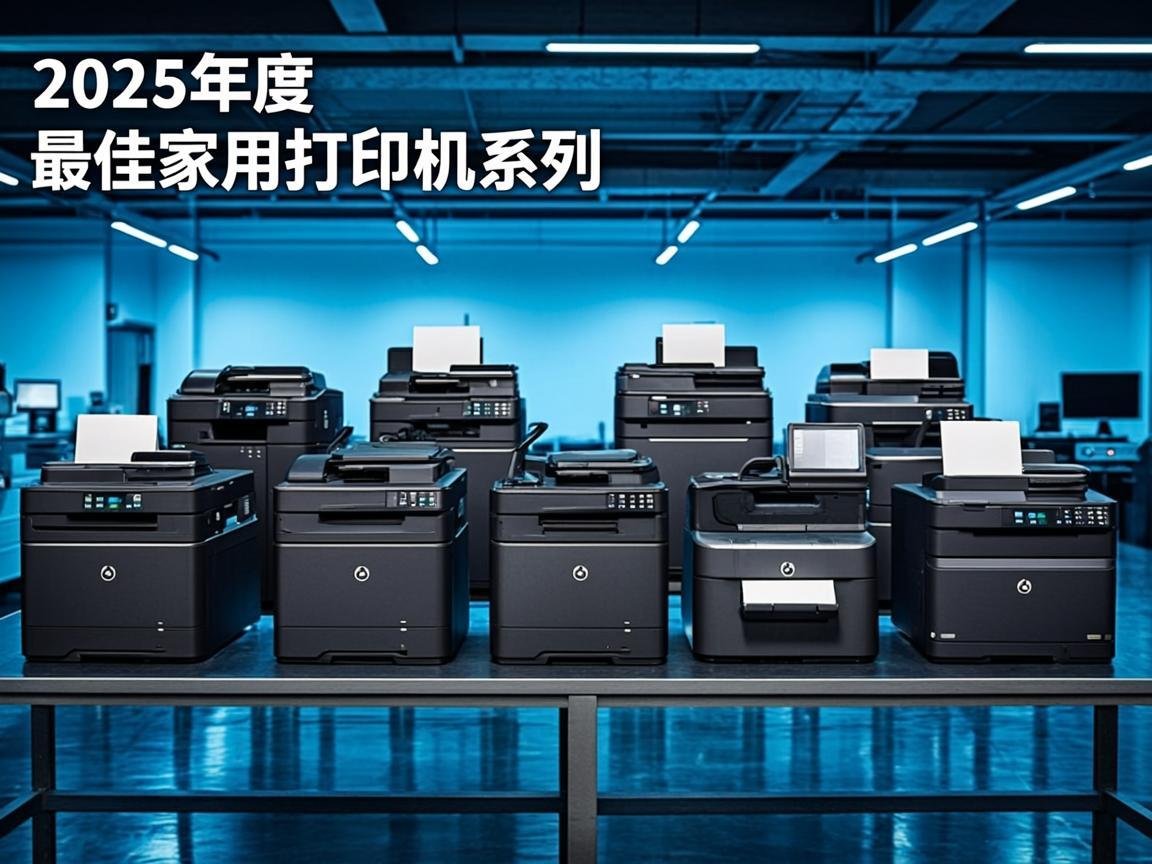
Choosing the right home printer can be overwhelming with so many options available. We have tested and compared the top home printers from HP, Canon, Epson, and Brother to help you find the perfect match for your needs, whether you print occasional documents or high-quality photos.
NexCircuit Technologies
Independent Online Printer Troubleshooting & Setup Assistance
Updated on 2025-03-15
How to Choose the Right Home Printer
Before looking at specific models, consider your primary printing needs. Do you mostly print text documents, or do you need photo-quality output? How many pages do you print per month? Do you need scanning and copying? Is wireless printing important? Your answers to these questions will determine whether an inkjet, EcoTank, or laser printer is the best choice for your home.
Best Overall: Epson EcoTank ET-3850
The Epson EcoTank ET-3850 earns our top recommendation for most home users. Its cartridge-free EcoTank system uses refillable ink bottles that deliver an incredibly low cost per page — approximately 2 cents for black and 4 cents for color. The included ink bottles provide up to 2 years of printing. The ET-3850 also offers auto-duplex printing, a 250-sheet paper tray, and a 30-sheet ADF for scanning. Print quality is excellent for both documents and photos.
Best Budget: HP DeskJet 2700
For occasional home printing on a tight budget, the HP DeskJet 2700 series delivers reliable performance at an affordable price. While running costs are higher than EcoTank models, the low purchase price makes it ideal for users who print fewer than 50 pages per month. The HP Smart app provides easy setup and mobile printing capabilities.
Best for Photos: Canon PIXMA TR8620
Photography enthusiasts will love the Canon PIXMA TR8620. Its 5-ink system produces stunning photo prints with vibrant colors and smooth gradients. The dedicated photo paper tray makes it easy to switch between document and photo printing. It also includes a built-in scanner and copier for all-in-one convenience.
Best Laser: Brother HL-L2350DW
For users who primarily print text documents and want the speed and sharpness of laser printing, the Brother HL-L2350DW is an excellent choice. It prints up to 32 pages per minute with crisp, professional-quality text. Automatic duplex printing saves paper, and the compact design fits easily on a desk. WiFi connectivity allows printing from any device on your network.
Frequently Asked Questions
Inkjet vs laser printer for home use?
Inkjet printers are better for photos and occasional printing. Laser printers are better for high-volume text printing with faster speeds and lower cost per page. For most homes, an inkjet or EcoTank printer offers the best versatility.
Is an EcoTank printer worth it?
Yes, if you print regularly. EcoTank printers cost more upfront but save significantly on ink costs. The included ink bottles last approximately 2 years for average use, compared to cartridges that may last only a few months.
Related Articles

How to Fix a Printer Paper Jam — Universal Guide for All Brands
Paper jams are the most common printer problem across all brands and models. Whether you have an HP, Canon, Epson, or Brother printer, the basic principles for clearing a paper jam are the same. This universal guide walks you through the safe and proper way to clear jams and prevent them from happening again.
Wireless Printer Setup Complete Guide — Connect Any Printer to WiFi
Setting up a wireless printer can seem daunting, but it doesn't have to be. This comprehensive guide covers WiFi setup for HP, Canon, Epson, and Brother printers on Windows, Mac, iOS, and Android devices. Follow the simple steps for your specific combination and start printing wirelessly in minutes.
Printer Driver Unavailable Error — Fix for Windows & Mac
The "printer driver is unavailable" error is a common issue that prevents printing on both Windows and Mac. This guide provides step-by-step solutions for all major printer brands, helping you download the correct drivers and get your printer working again.
Need more help with your printer? NexCircuit Technologies provides independent online printer troubleshooting and setup assistance 24/7. Our certified technicians can remotely diagnose and fix any printer issue — from offline errors and WiFi connectivity problems to driver installations and error code resolution. We support all major printer brands including HP, Canon, Epson, Brother, Xerox, and more. Contact us today for free initial consultation.